
Client intake · U.S. immigration firms
Intake that arrives already checked.
Your client answers one question at a time on their phone. Veyas reads their passport and documents, cross-checks every answer against them and against each other, and hands you a reviewed file with the USCIS forms filled in.
Free for design partners until three months after launch, then design-partner pricing for the first year.
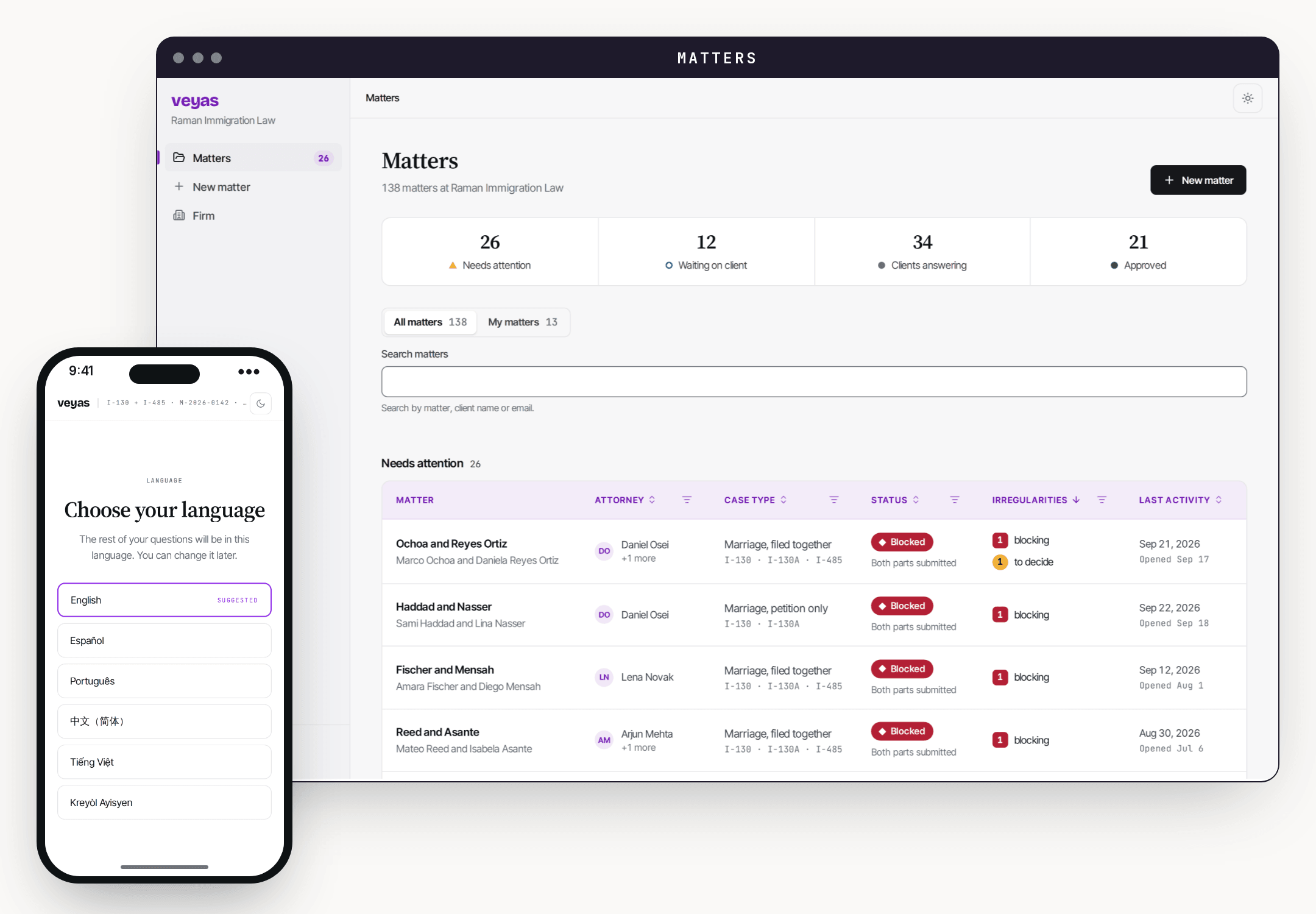
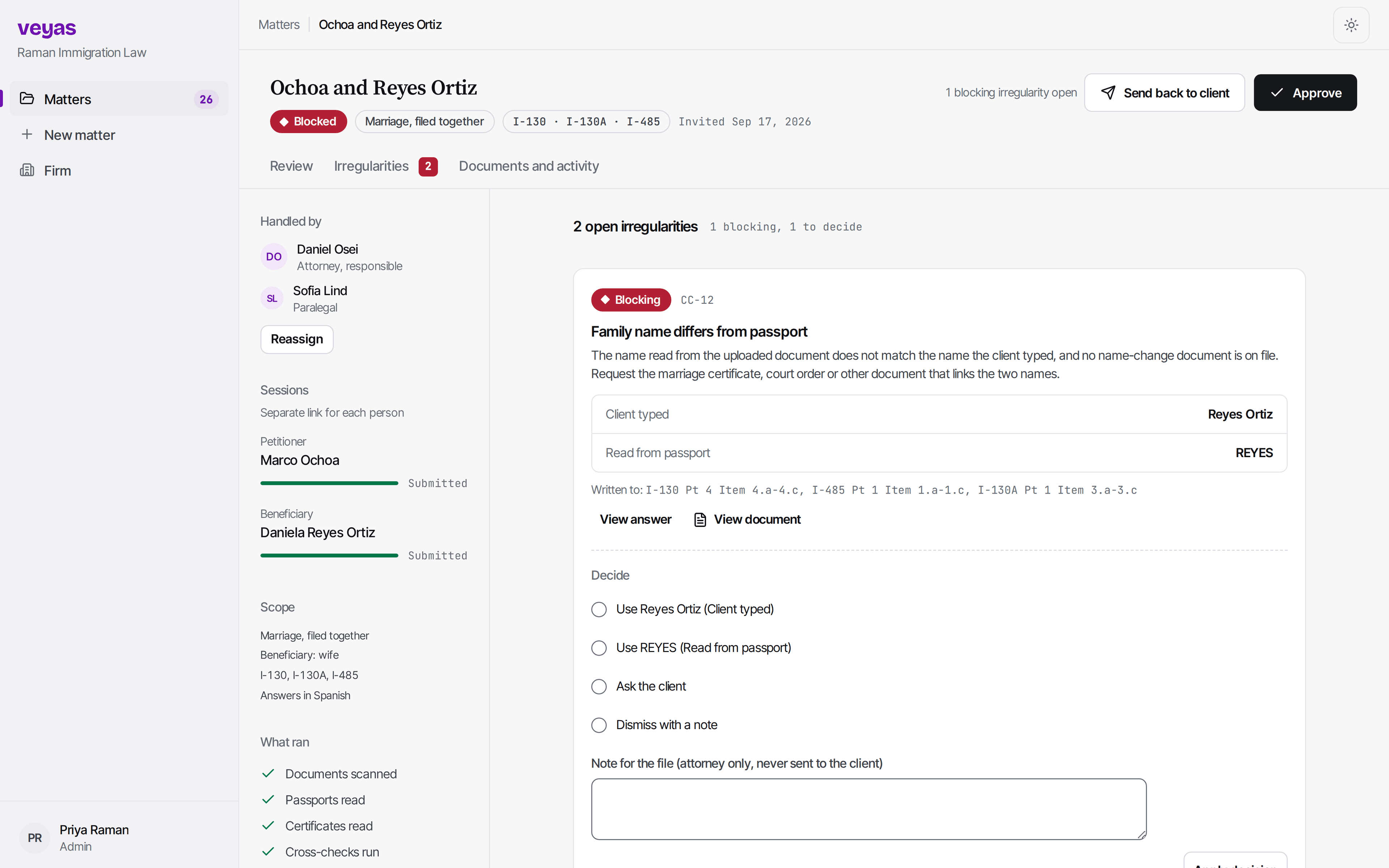
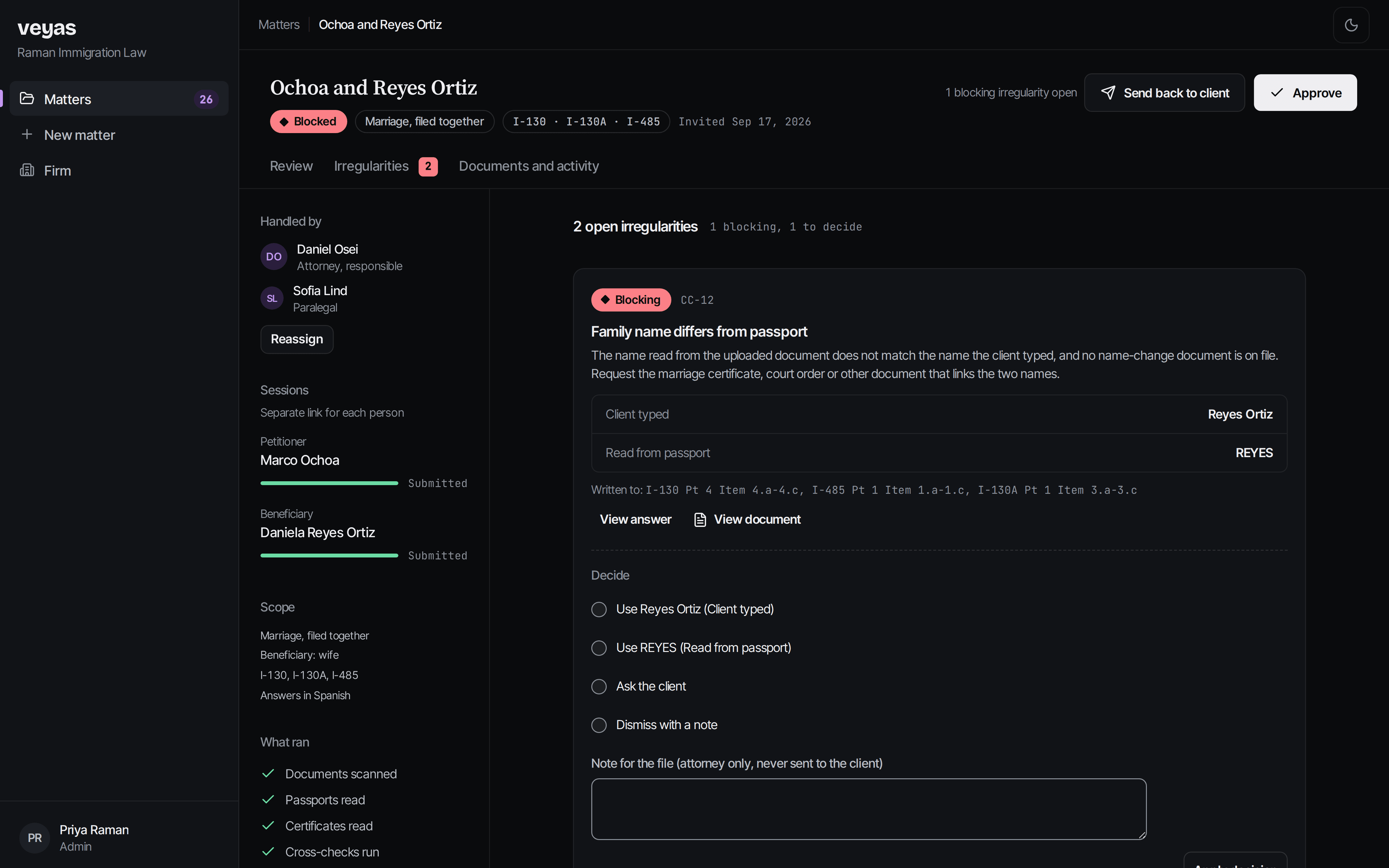
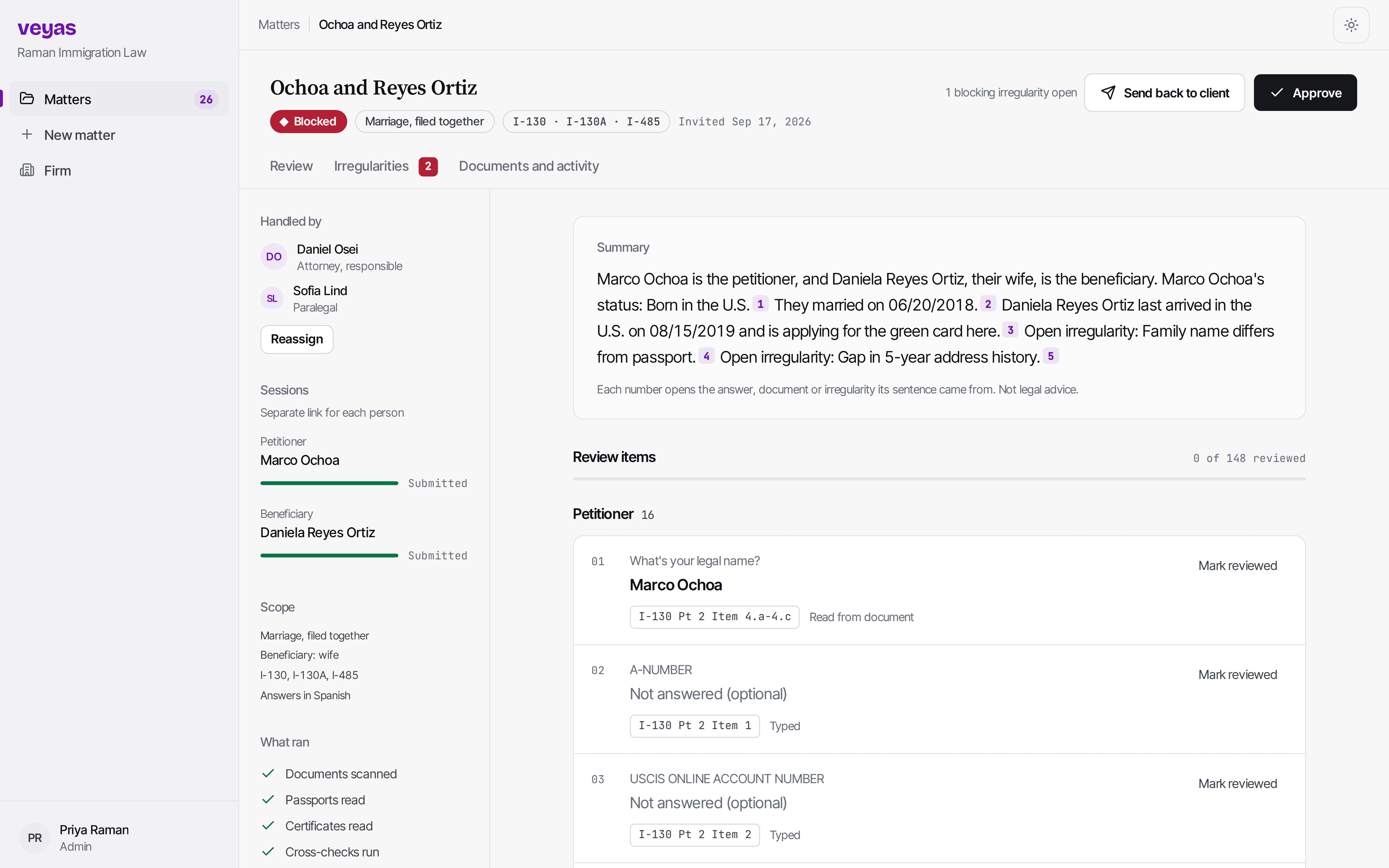
A short animation of Veyas: a client picks their language on a phone, Veyas reads their passport to double-check their answers, the attorney's dashboard flags that the family name differs from the passport, and the matter summary links every sentence to its source.
What Veyas covers
Every USCIS case family.
One intake, one set of cross-checks, every form your firm files.
Family-based
- I-130: Petition for Alien Relative
- I-130A: Supplemental Information for Spouse Beneficiary
- I-485: Application to Register Permanent Residence or Adjust Status
- G-28: Notice of Entry of Appearance as Attorney or Accredited Representative
- I-765: Application for Employment Authorization
- I-864: Affidavit of Support Under Section 213A of the INA
- I-864A: Contract Between Sponsor and Household Member
- I-864EZ: Affidavit of Support Under Section 213A of the INA (EZ, for simple cases)
- I-131: Application for Travel Documents, Parole Documents, and Arrival/Departure Records
- I-751: Petition to Remove Conditions on Residence
- I-129F: Petition for Alien Fiancé(e)
- I-134: Declaration of Financial Support
Employment-based
- I-129: Petition for a Nonimmigrant Worker
- I-140: Immigrant Petition for Alien Workers
- I-907: Request for Premium Processing Service
- ETA-9089: Application for Permanent Employment Certification
Naturalization
- N-400: Application for Naturalization
- N-600: Application for Certificate of Citizenship
Humanitarian
- I-589: Application for Asylum and for Withholding of Removal
- I-918 and Supplement B: Petition for U Nonimmigrant Status, and Supplement B, U Nonimmigrant Status Certification
- I-914: Application for T Nonimmigrant Status
- I-360: Petition for Amerasian, Widow(er), or Special Immigrant
Waivers
- I-601: Application for Waiver of Grounds of Inadmissibility
- I-601A: Application for Provisional Unlawful Presence Waiver
- I-212: Application for Permission to Reapply for Admission into the United States After Deportation or Removal
Nonimmigrant and removal defense
- I-539: Application to Extend/Change Nonimmigrant Status
- EOIR-28: Notice of Entry of Appearance as Attorney or Representative Before the Immigration Court
- EOIR-42A: Application for Cancellation of Removal for Certain Permanent Residents
- EOIR-42B: Application for Cancellation of Removal and Adjustment of Status for Certain Nonpermanent Residents
The beta opens with I-130, I-130A, I-485, G-28 and I-765; the rest of the beta scope is released to design partners as each form becomes ready.
See every form with its full title →How it works
From invite to a file you can review.
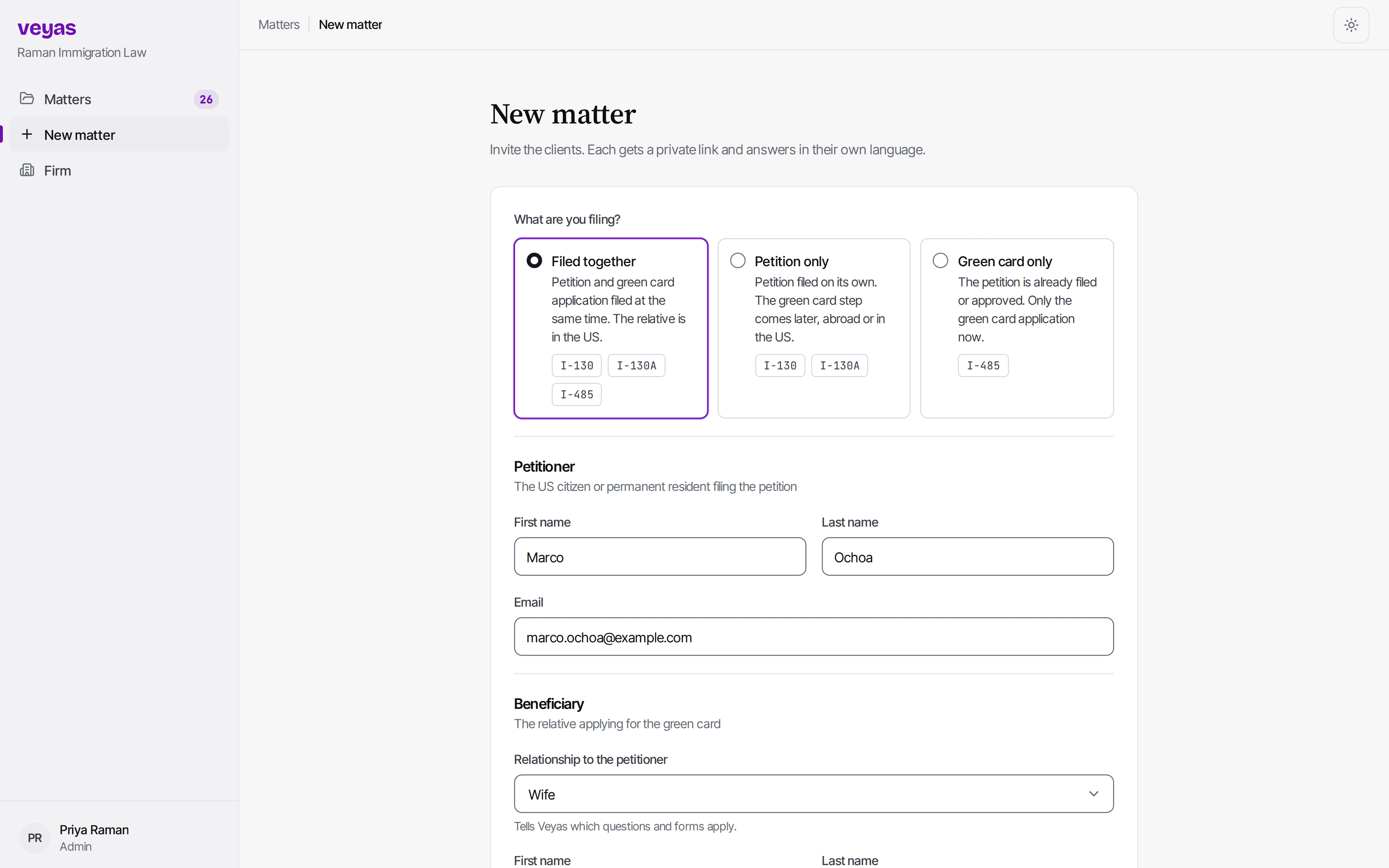
- 01
Start intake
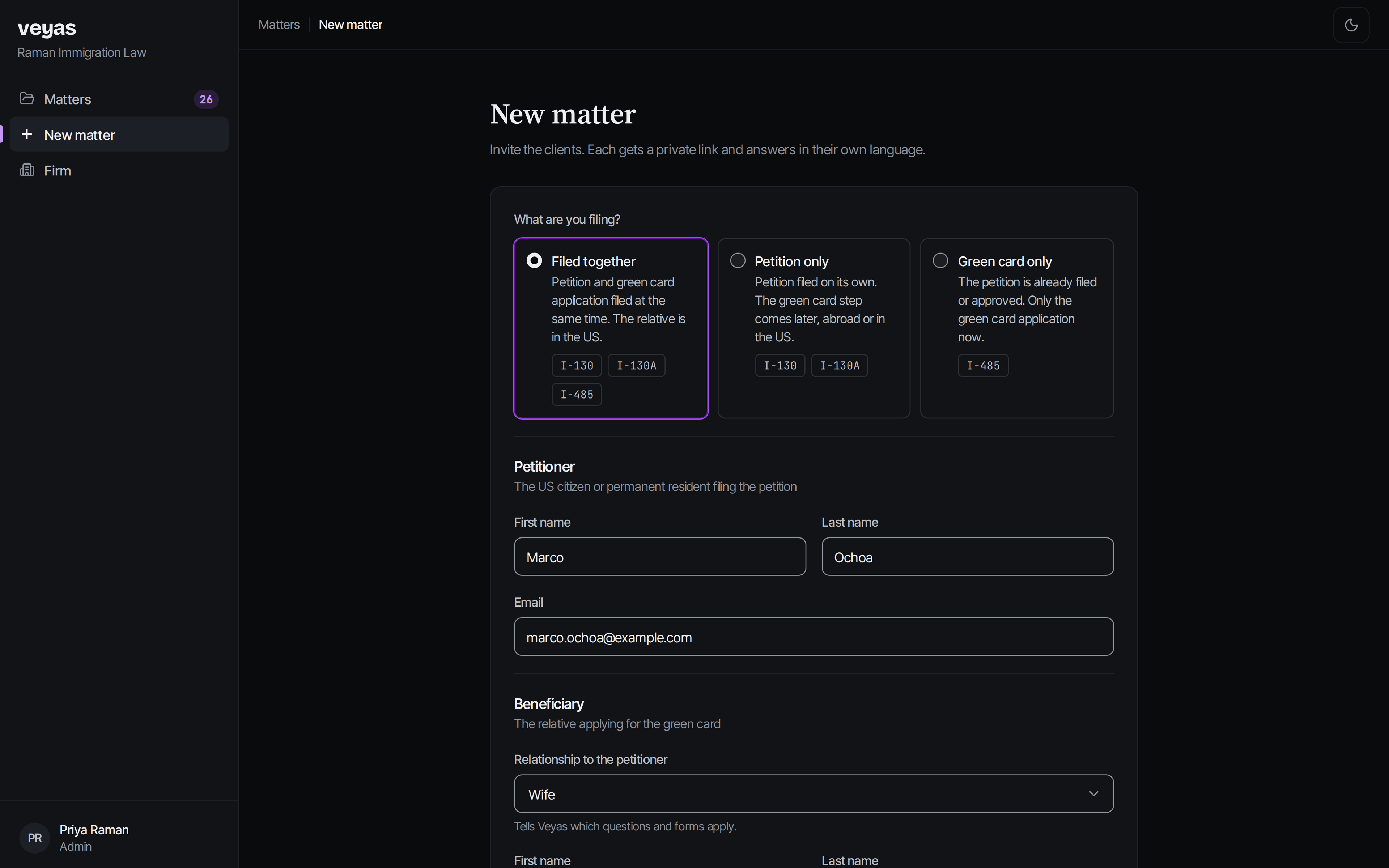
Add the petitioner and beneficiary, pick what you are filing, and send each of them a link.
- 02
Client answers
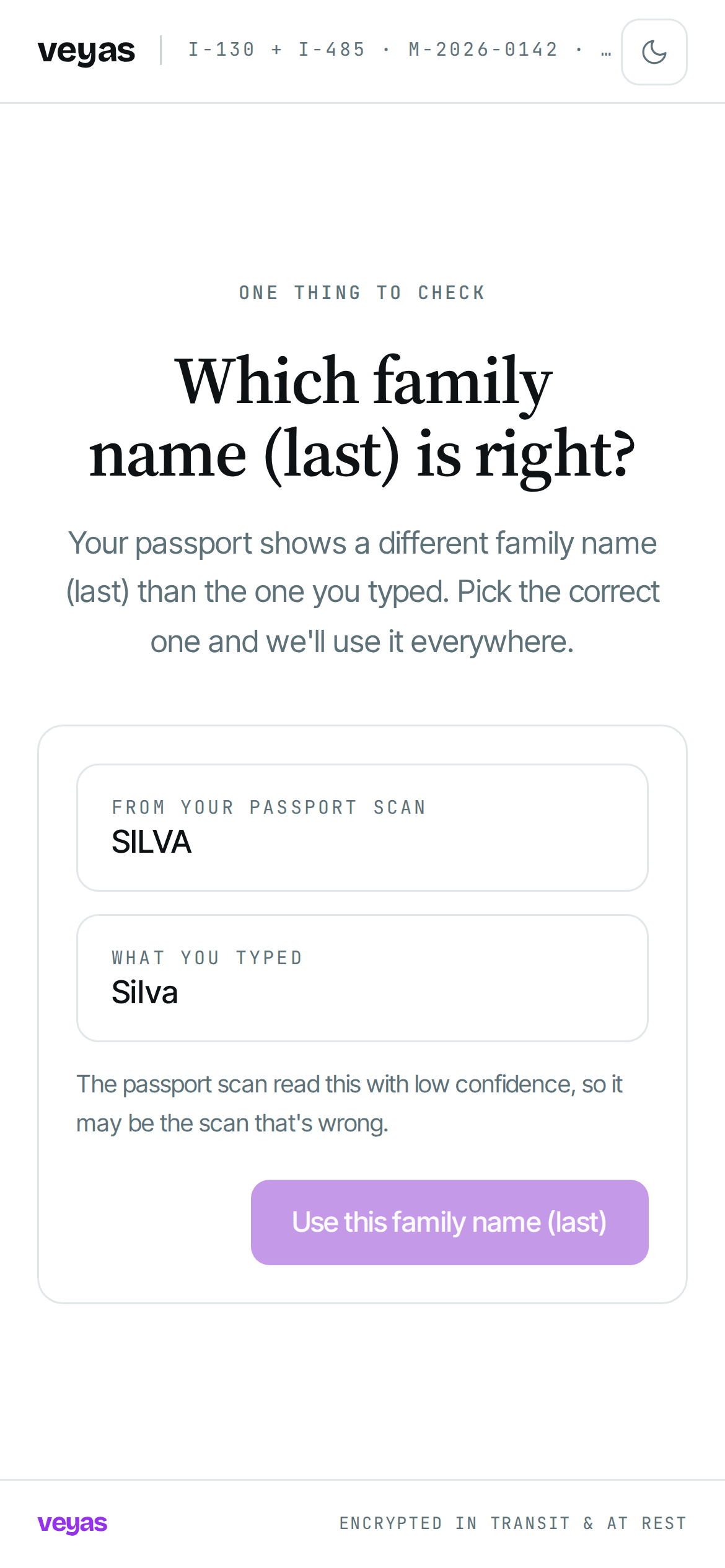
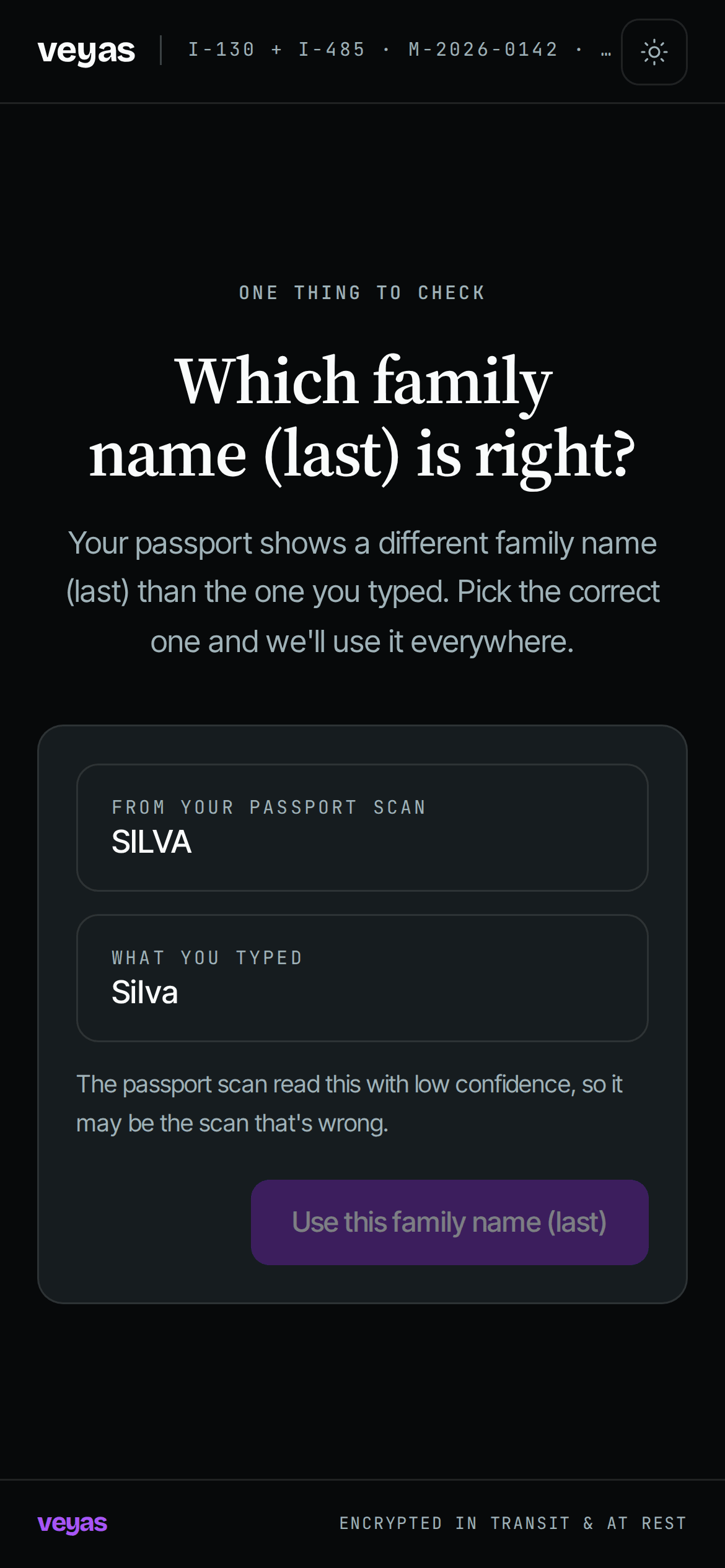
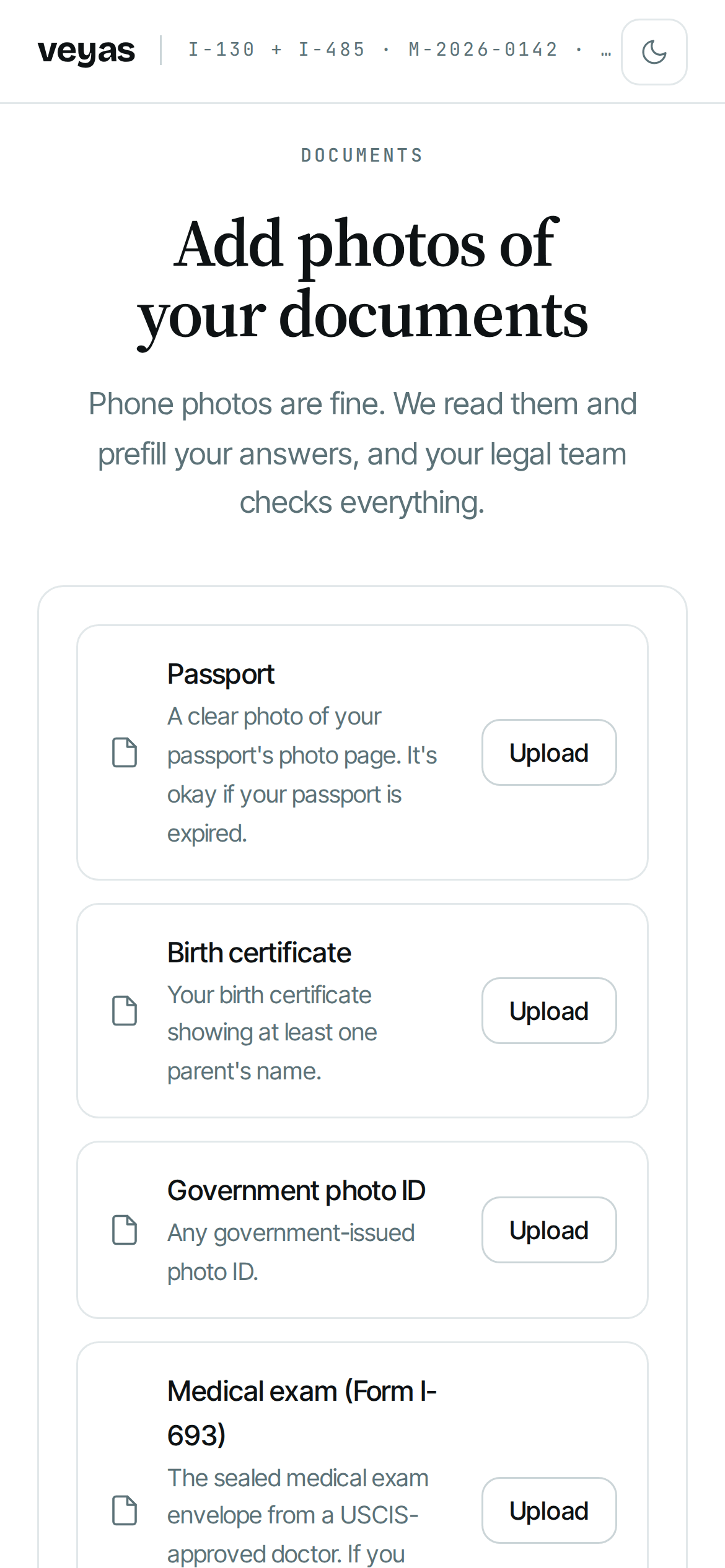
One curated question at a time, chosen for their case, on their phone and in their language. Documents upload as they go.
- 03
Open a finished file
Every answer arrives with its source and any flags. Review, send back what is missing, approve.
For intake staff
Also for the people who actually type the forms.
Paralegals stop chasing a client for a passport number or retyping a document by hand. Answers come in with the document they came from, the form item they belong to, and anything that does not line up already flagged. You spend the time on the parts that need judgment.
A look inside
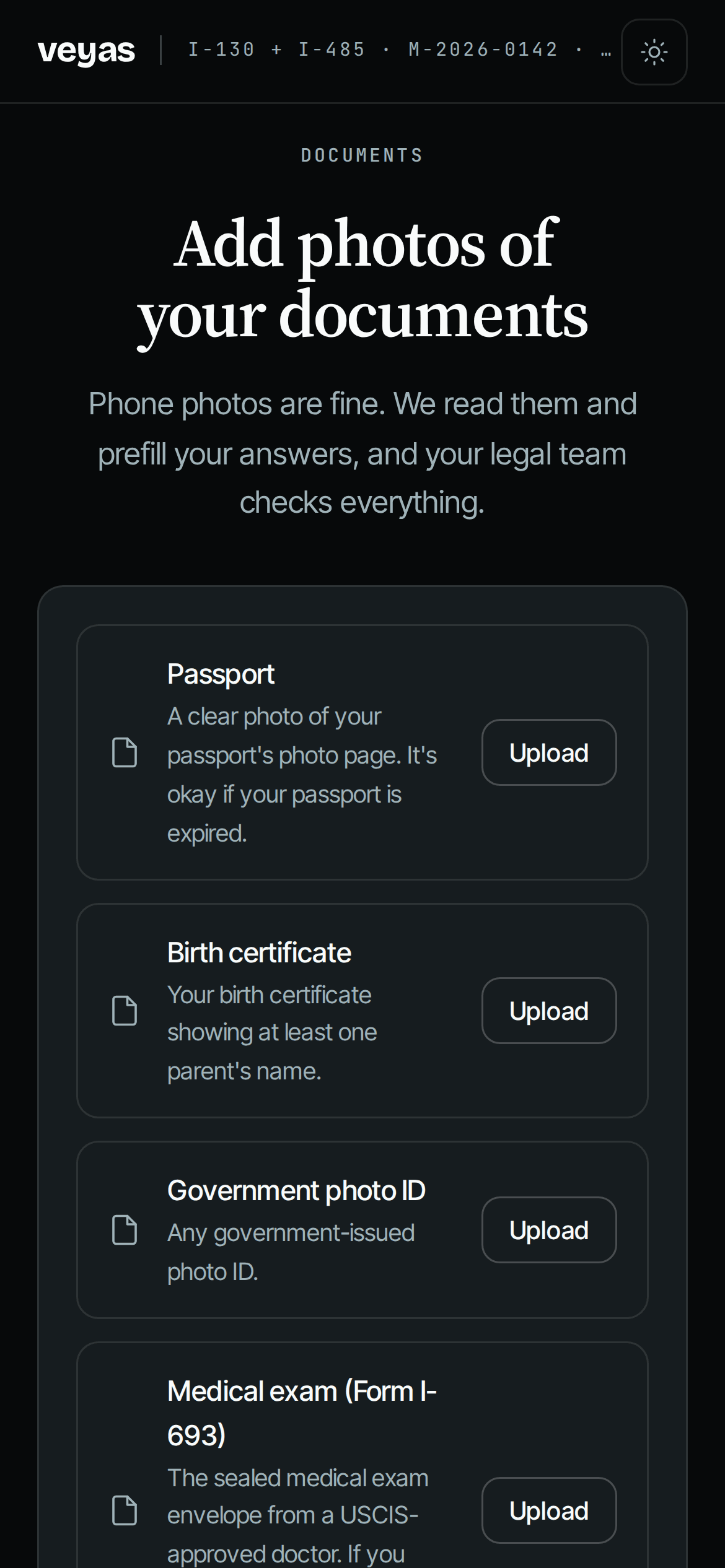
The attorney's view, and the client's.
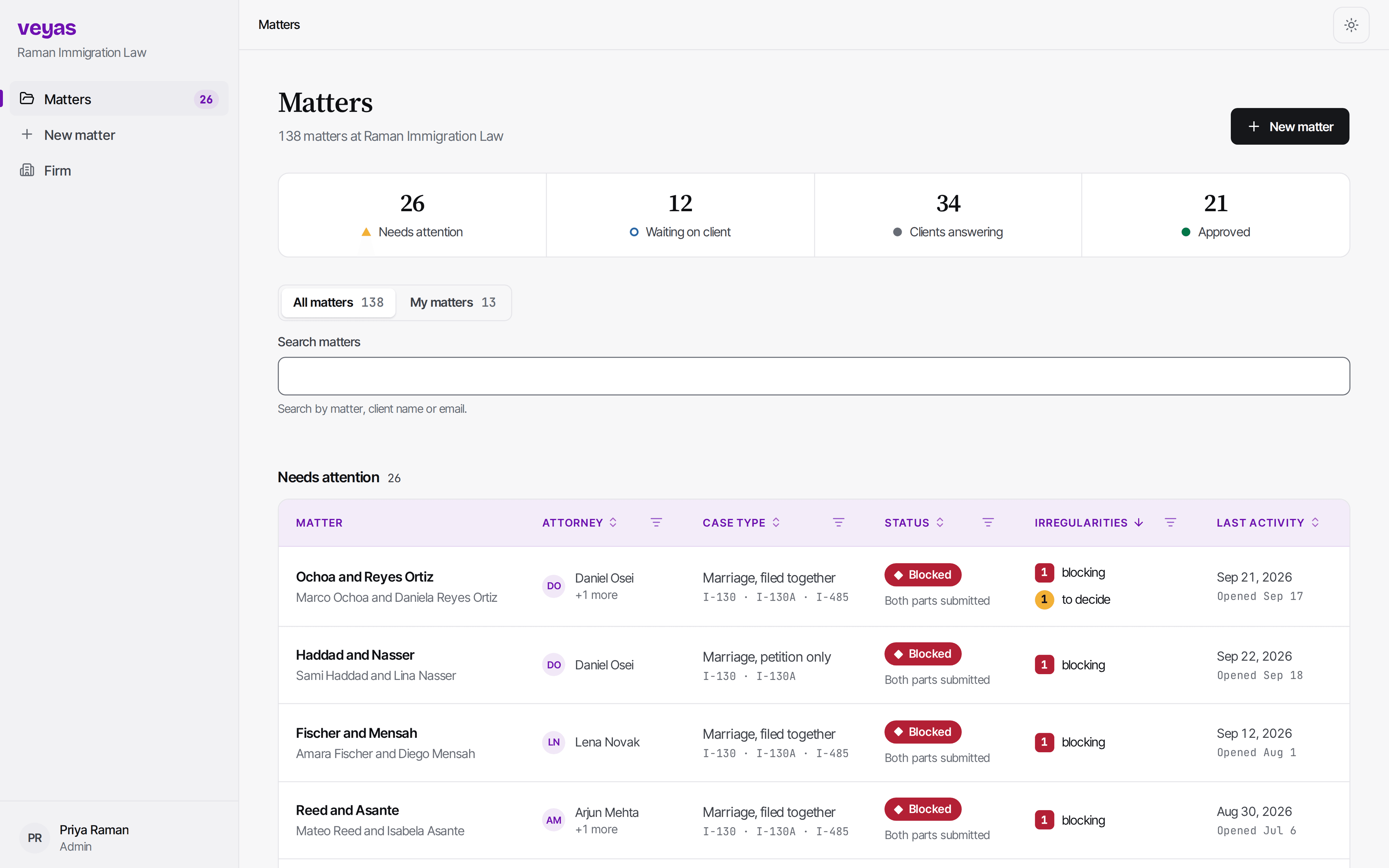
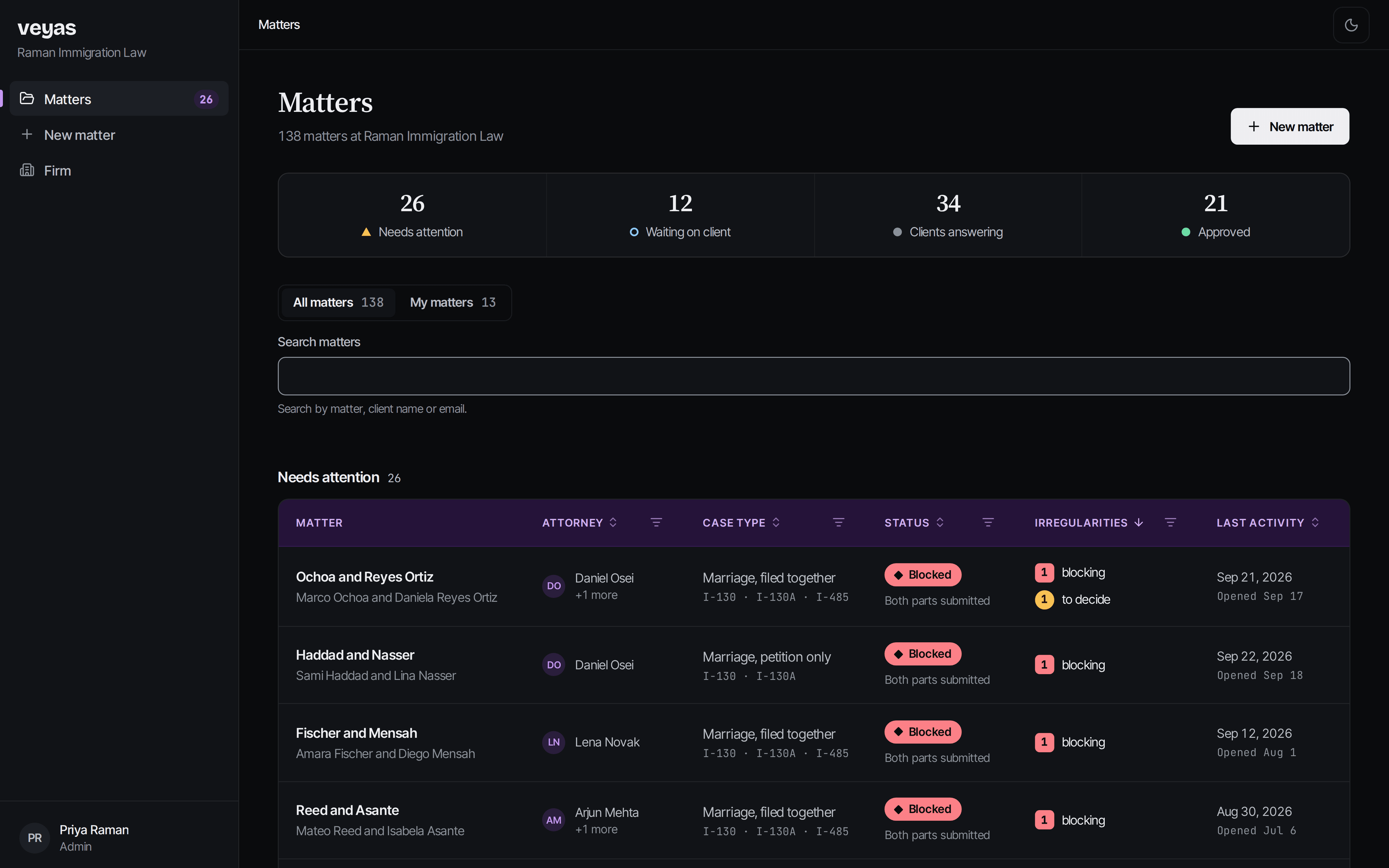
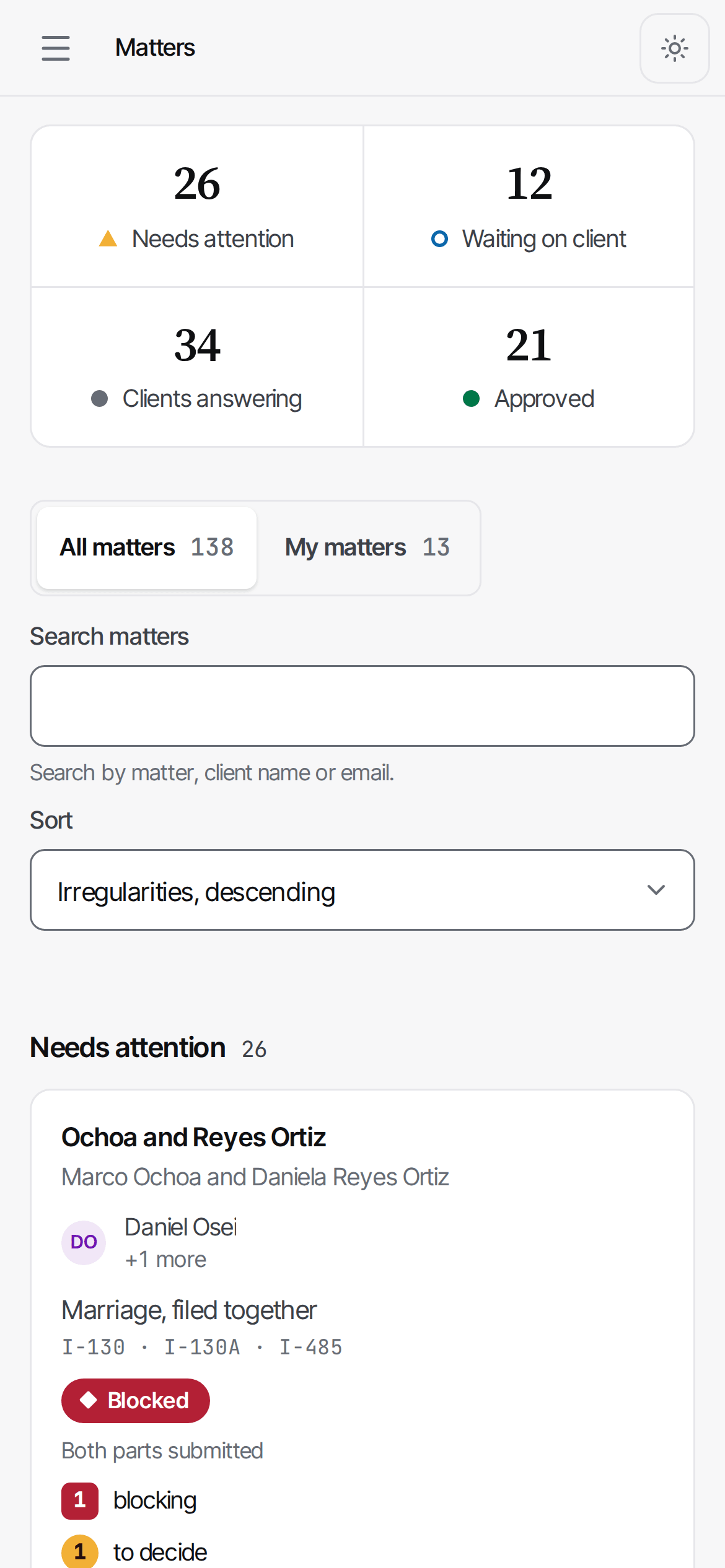
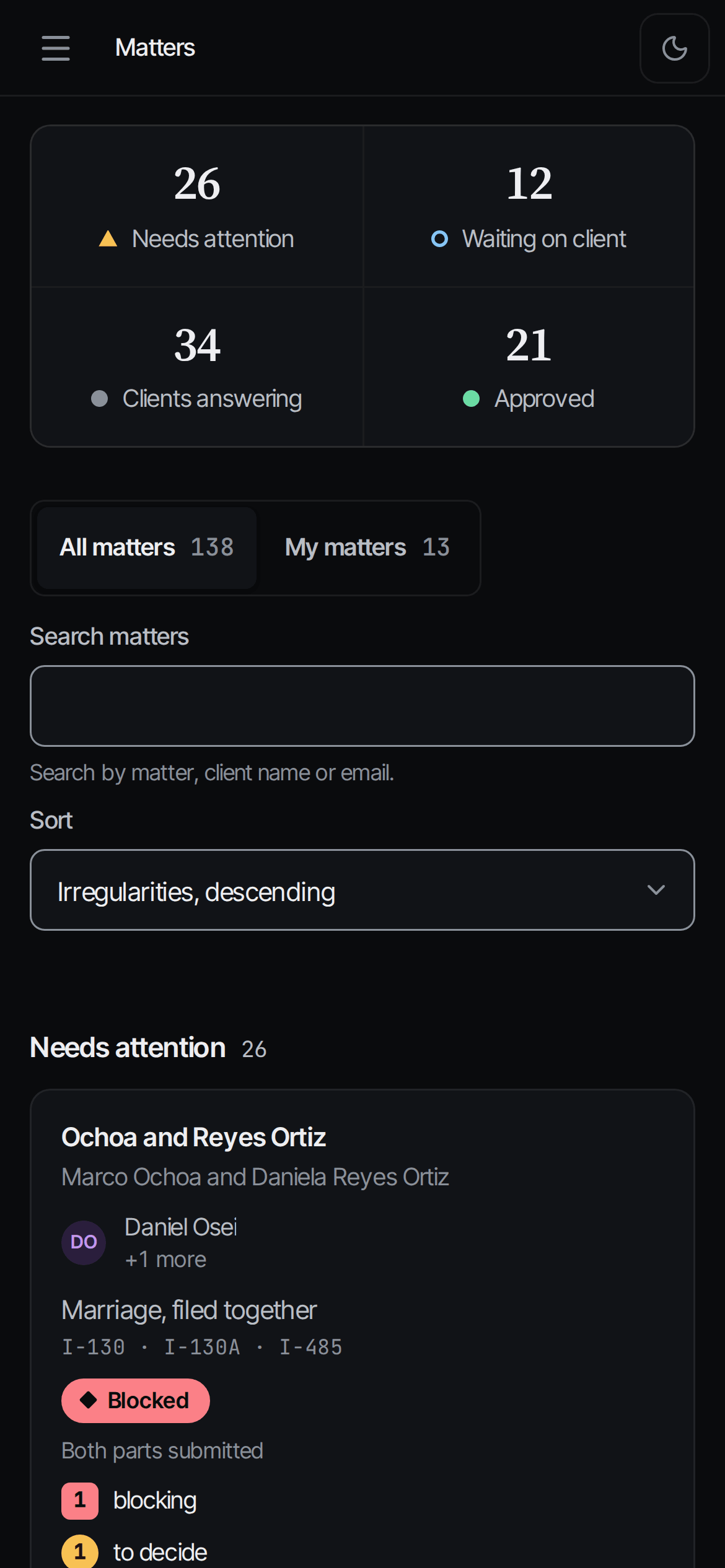
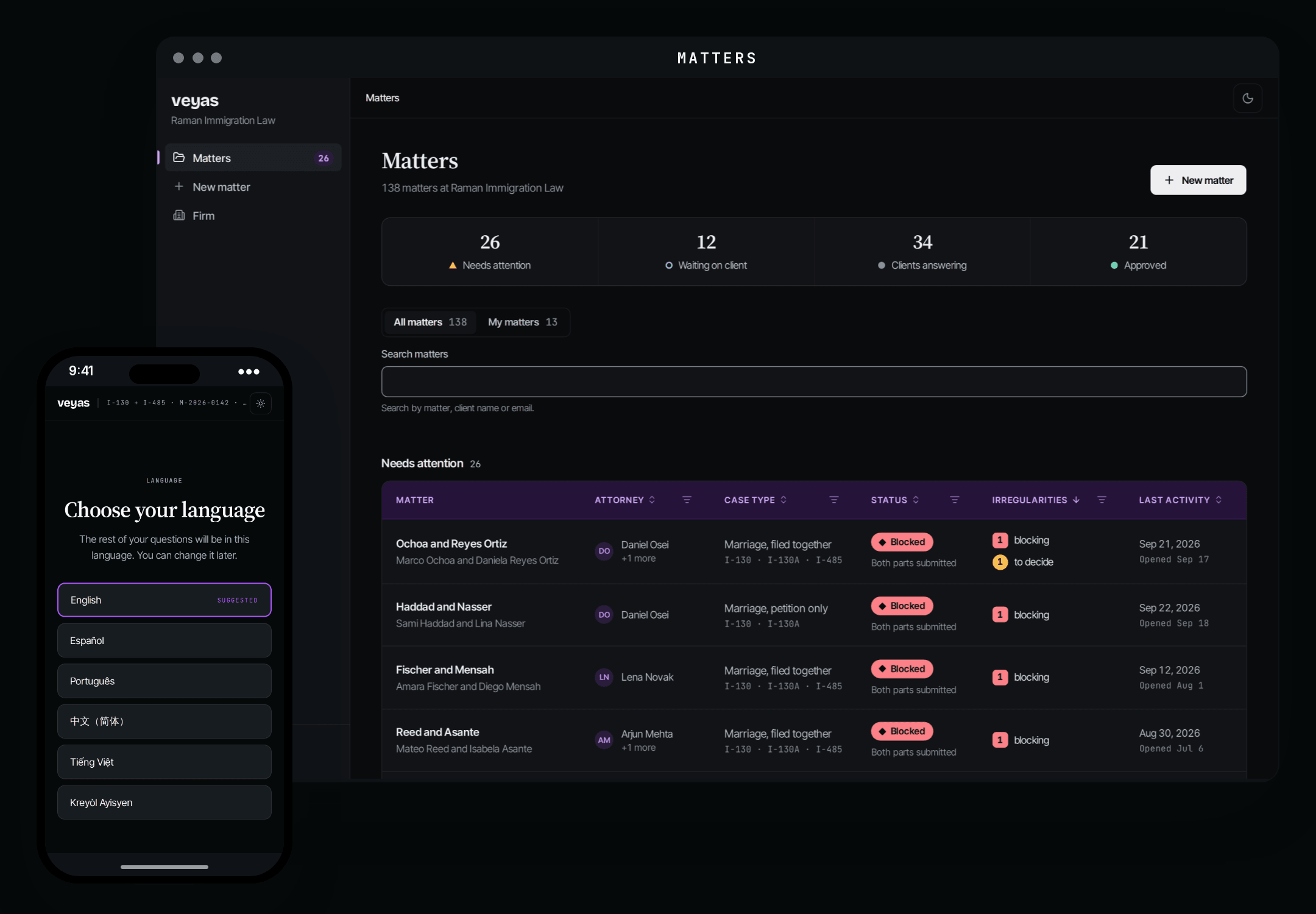
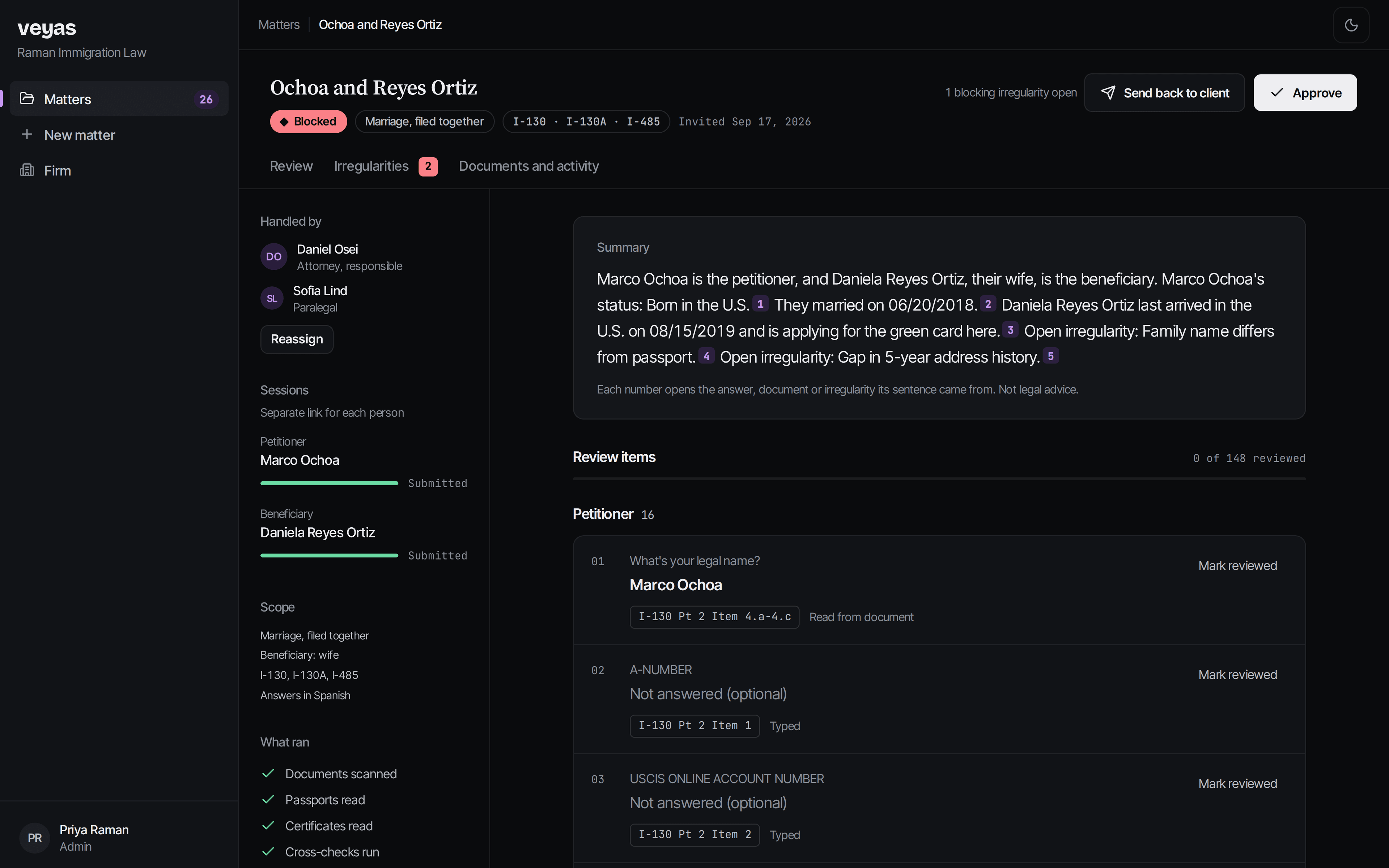
Click or tap the screens to move around, as you would in the app.
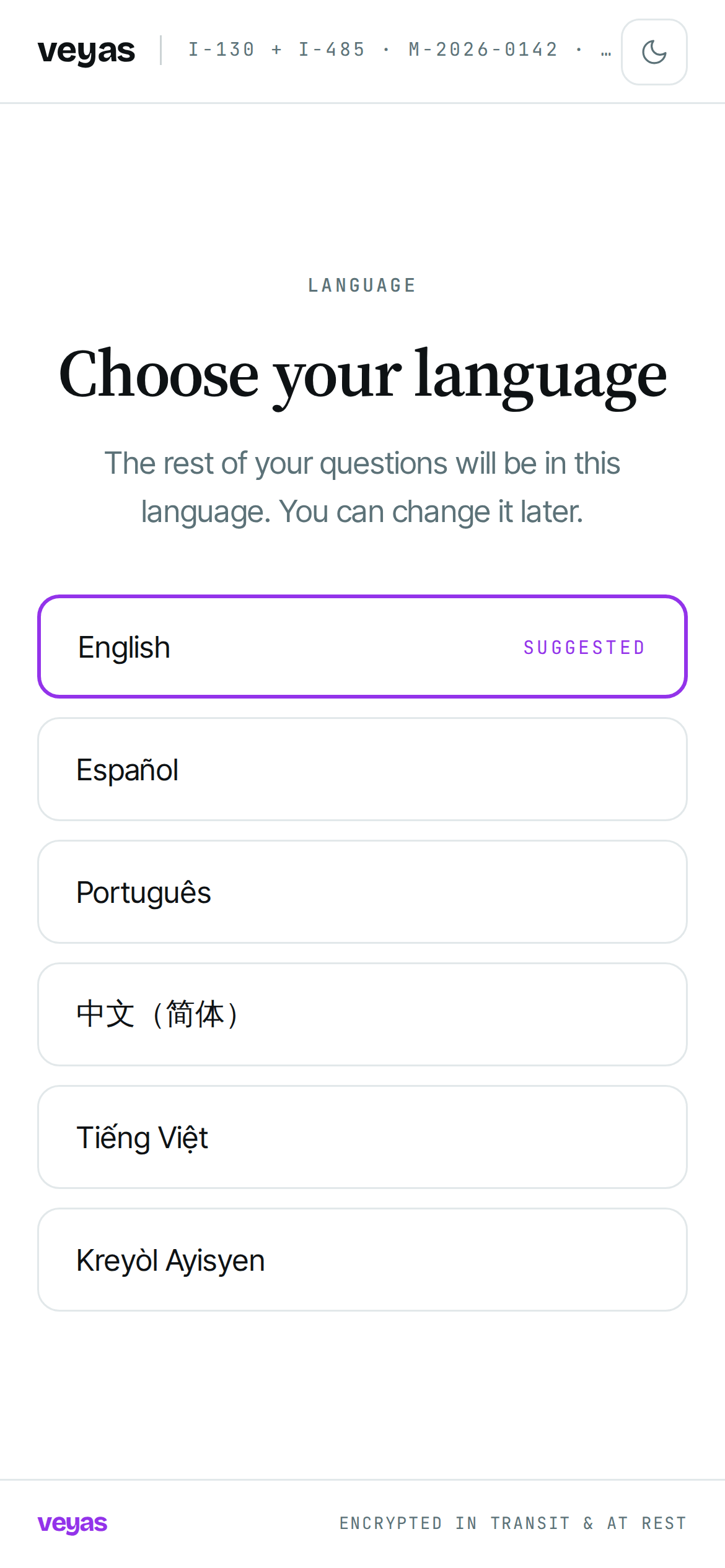
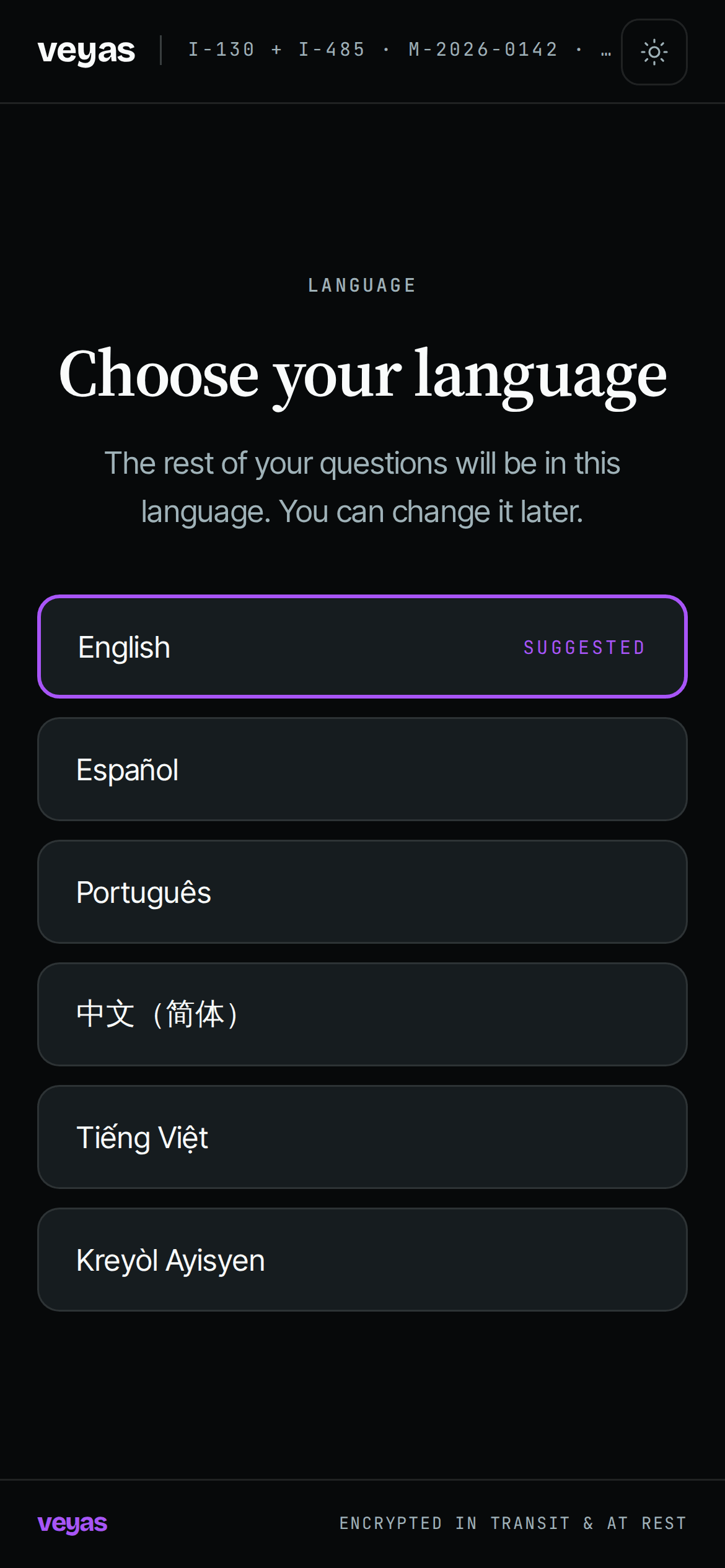
Screens from the Veyas app in development, shown with sample data
Security & safety
Built for files you are responsible for.
Encrypted in transit and at rest
Client answers and uploaded documents are encrypted on the way to us and while stored.
Your data stays yours
Client data is hosted in the United States and belongs to your firm. It is never sold.
Attorney stays in control
Veyas reads, checks and flags. It never decides. A matter is approved only when you approve it.
Access, scoped and logged
Matters can be limited to the people who handle them, and every step is recorded in the matter's activity.
Never used to train AI
Client answers and documents are not used to train any AI model, ours or anyone else's. The AI reads and checks a matter only to prepare it for you.
This is how the app is built and what each firm's agreement commits to before its first real matter. The details are on the Security page.
Questions attorneys ask us
Is Veyas practicing law?
Does the AI fill the forms?
How does my client get in?
What do I see?
What happens to our data if Veyas shuts down?
Is Veyas SOC 2 certified?
Why we built this
Hours of checking, done in minutes.
Most of an intake file is retyping and rechecking: a passport against a questionnaire, a date of entry against an I-94. Veyas does that cross-check as the client answers, so you start from a verified file instead of a pile of forms.